
Use Case: AI Agent & Bot Traffic Control
Your SaaS Is Serving More Than Users
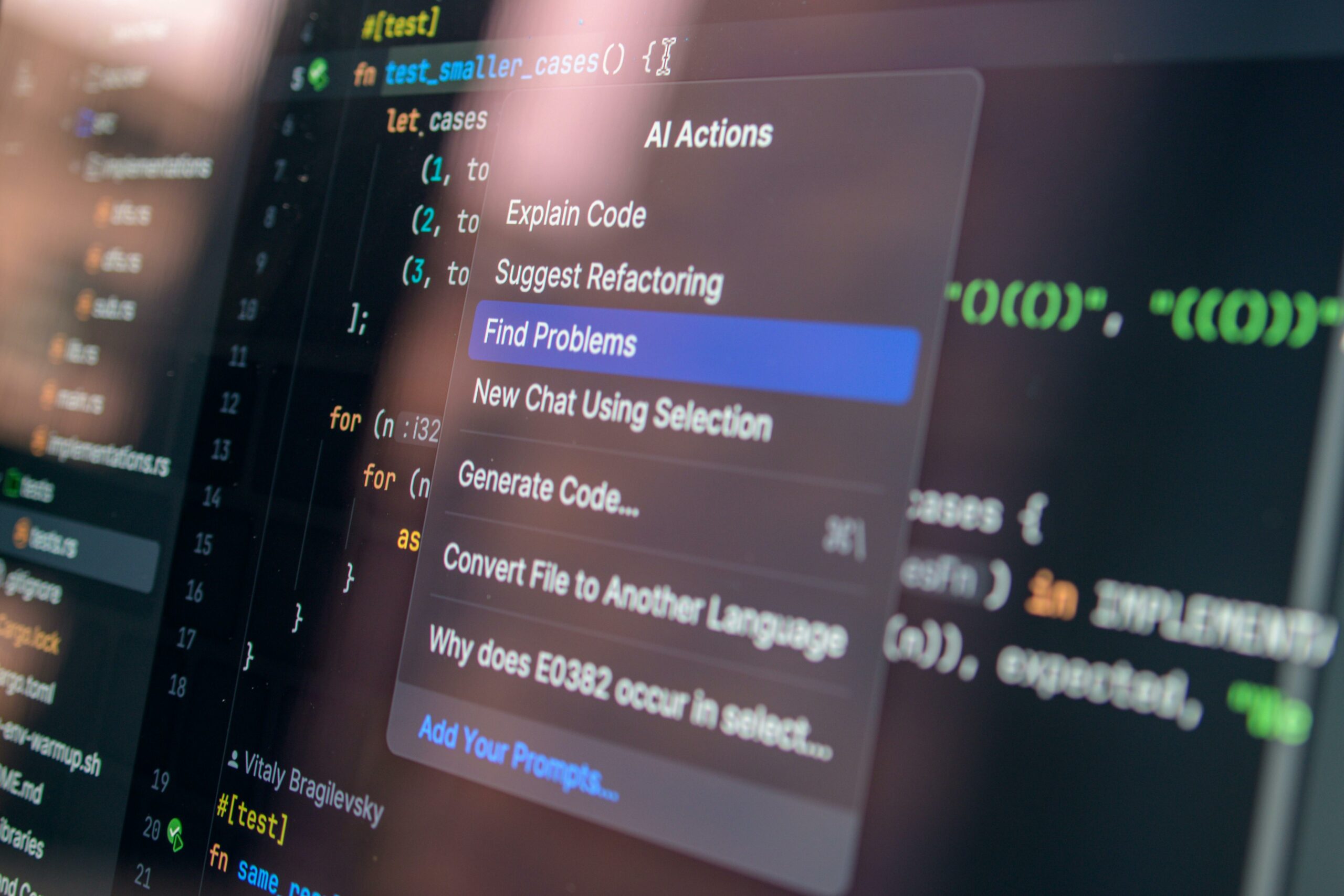
AI agents, bots, scrapers, and automation tools are becoming a new class of SaaS traffic. Bespot Gatekeeper helps SaaS teams detect known automated and non-human traffic patterns in real time, so they can monitor, limit, block, or route suspicious sessions before they consume expensive product resources.
01
Challenge
SaaS Was Built for Self-Service. That Is Also Its New Exposure Point.
SaaS changed how companies buy and use software. Instead of going through long sales cycles, manual onboarding, procurement-heavy access, or custom implementation processes, users can often reach the product directly. They can visit a website, start a free trial, create an account, use support, trigger workflows, test features, access resources, and consume usage-based services.
That self-serve model is one of SaaS’s biggest strengths. It removes friction, accelerates adoption, improves conversion, and lets users experience value before committing to a contract. But it also creates a new point of exposure. Because if a human user can access the product directly, so can an AI agent, bot, scraper, or automation tool. These systems can interact with the same product surfaces that were designed for legitimate self-service access. They can open pages, submit forms, trigger support workflows, consume AI credits, request data, test onboarding flows, and repeatedly access high-value resources.
The problem is not that self-service is broken. The problem is that self-service now needs traffic intelligence. SaaS teams need to understand whether direct product access is coming from a real user evaluating the product, an existing customer, a customer’s AI agent, a commercial crawler, a scraper, an automation script, a bot, or a suspicious unknown requester. Without that visibility, every session may be treated as normal product usage. And that means automated traffic can consume the same resources, credits, workflows, and support capacity that were designed for real users, quietly inflating your cloud infrastructure bills and burning through expensive AI token quotas on non-revenue-generating traffic.
Self-serve Model
Traffic Intelligence
02
Solution
Bespot Gatekeeper: AI Agent & Bot Traffic Control for SaaS
Bespot Gatekeeper gives SaaS teams a first control layer for known non-human traffic.
Gatekeeper analyzes session-level signals to identify known automated and non-human traffic patterns. When suspicious or known automated activity is detected, Gatekeeper flags the session in real time and allows the customer to apply a policy.
Teams can choose to:
- monitor the session
- limit access
- block the session
- show custom copy
- route the requester differently
- prevent expensive workflows from being triggered
- separate known automated traffic from normal usage reporting
This gives product, engineering, security, growth, and operations teams a clear starting point:
Know when your SaaS is serving known automated traffic, then decide what should happen next.
Gatekeeper does not force teams into a blanket block policy. Some AI agents may be useful. Some automated systems may be legitimate. Others may create cost, risk, noise, or abuse.
The value is control.
Platform Capabilities
Known Automated Traffic Detection
Identifies known AI agents, bots, scrapers, and automation tools through session-level intelligence.
Real-Time Policy Response
Allows teams to monitor, limit, block, or route sessions based on the detection result.
SaaS Resource Protection
Helps prevent known automated sessions from consuming expensive AI, support, enrichment, fraud, or infrastructure resources.
Traffic Attribution
Separates known automated traffic from normal product usage, giving teams better visibility into how their product is being accessed.
Custom User Messaging
Allows SaaS teams to show different copy when automated access is detected, such as routing requesters to API access, support, or commercial plans.
Configurable Risk Controls
Lets teams start in monitor mode and move to stricter policies only when they understand the traffic pattern.
AI Agent & Bot Traffic Scenarios
- Credit Consumption
AI-enabled SaaS products often rely on LLM calls, copilots, summarization tools, support assistants, or automated workflows.
When automated sessions trigger these services repeatedly, costs can rise without a corresponding increase in real customer value.
Impact:
- AI credits consumed by non-human sessions
- Higher cost per account or workspace
- Difficulty separating customer usage from automated usage
- Pressure on margins for free-trial or usage-based plans
2. Support Automation Abuse
Many SaaS platforms use AI-powered support tools to answer tickets, guide onboarding, or resolve account issues.
Automated systems can trigger support flows at scale, opening conversations, requesting answers, or testing policies repeatedly.
Impact:
- Support automation credits consumed unnecessarily
- Ticket queues polluted with non-human interactions
- Customer support metrics become less reliable
- Human agents waste time reviewing low-value sessions
3. Enrichment and Third-Party API Costs
SaaS products often enrich user sessions with third-party data, such as company lookup, IP intelligence, VPN detection, reverse geocoding, fraud checks, or CRM enrichment. Automated sessions can silently consume these credits.Impact:
- Increased third-party API spend
- Unclear return on enrichment costs
- Noisy user or account profiles
- Higher operational cost per session
4. Free Trial and Product Usage DistortionMany B2B SaaS companies rely on free trials, freemium plans, or self-serve onboarding.Automated systems can sign up, explore product flows, trigger onboarding events, and consume trial entitlements without representing genuine demand.Impact:
- Trial metrics become less reliable
- Activation and conversion data become polluted
- Product teams misread engagement
- Growth teams optimize based on mixed human and non-human traffic
5. Scraping and Automated Data Access
AI agents, crawlers, and scrapers can access SaaS resources, public pages, dashboards, pricing content, help centers, or exposed workflows.Not all automated access is malicious, but unmanaged access can become expensive and hard to attribute.
Impact:
- Increased infrastructure load
- Loss of control over how product data is consumed
- Difficulty distinguishing useful agents from unwanted automation
- Need for differentiated access rules
What SaaS Teams Achieve with Bespot
Reduced Cost Leakage
Known automated traffic can be identified before it triggers expensive backend services.
Cleaner Analytics
Product and growth teams can separate known non-human sessions from human usage patterns.
Better Policy Control
Teams can decide whether to allow, limit, block, or route automated traffic instead of treating every session equally.
Improved Infrastructure Protection
Automated requesters can be controlled before they create unnecessary load.
A Foundation for Agentic Pricing
SaaS companies can start understanding whether AI-agent usage should be served, limited, or monetized differently.
Why Traditional Systems Fail
Analytics Tools Do Not Tell the Full Story
Product analytics tools are built to measure usage, conversion, retention, and engagement. They are not designed to act as a real-time control layer for known AI agents, bots, scrapers, and automation tools. By the time unusual traffic appears in reporting, the cost may already have been incurred.
Firewalls Are Too Far from Product Context
Network and CDN controls can block or rate-limit traffic at the edge, but SaaS teams often need decisions at the product or transaction level. Not every automated session should be treated the same way. A pricing page, support workflow, AI feature, account action, and API-like product flow may each require different policies.
Blocking Everything Is Too Blunt
Some AI agents may become legitimate users of SaaS products. A customer may want their agent to retrieve information, compare services, complete workflows, or interact with software on their behalf. Blanket blocking may protect resources, but it may also block future revenue channels. SaaS teams need flexible policy control.
First-Layer Detection Has Limits
This first release focuses on identifying known automated and non-human traffic patterns. It does not detect every possible AI agent, bot, or automation script. That distinction matters. A session that is not flagged should not automatically be treated as proof of human activity. It simply means no known automated traffic pattern was identified by the current detection layer.
How Gatekeeper Strengthens SaaS Applications
Protect Expensive Workflows
Gatekeeper helps SaaS teams identify known automated traffic before it triggers high-cost workflows such as AI responses, enrichment calls, support automation, fraud checks, or geolocation services.
Create Real-Time Policy Control
Teams can decide what happens when known automated traffic is detected: monitor, limit, block, redirect, show custom copy, route to API access and exclude from selected workflows. This allows teams to move from passive observation to active control.
Improve Traffic Attribution
Not all traffic should be measured the same way. Gatekeeper helps SaaS companies understand when known bots, AI agents, scrapers, or automation tools are touching their product, so product and growth teams can make cleaner decisions.
Support Future Agentic Pricing
As AI agents become more common, SaaS companies will need to decide whether agent-driven usage belongs inside existing plans, API pricing, usage-based limits, or a new commercial category. Gatekeeper helps teams start collecting the evidence needed for those decisions.
Reduce Operational Noise
Support, security, fraud, engineering, and product teams should not waste time investigating activity that was automated from the start. By flagging known automated sessions earlier, Gatekeeper helps teams focus on the traffic that matters.
FAQ: AI Agent & Bot Traffic Control
What is AI Agent & Bot Traffic Control?
AI Agent & Bot Traffic Control helps SaaS teams detect sessions that match known AI agents, bots, scrapers, or automation tools, then apply a real-time policy such as monitor, limit, block, or route.
Does Gatekeeper detect all AI agents?
No. This first release focuses on identifying known automated and non-human traffic patterns. It does not detect every AI agent or prove that every unflagged session is human.
What does it mean when a session is not flagged?
It means Gatekeeper did not identify the session as known automated or non-human traffic through the current detection layer.
It should not be interpreted as proof that the session is human.
Why is this useful if sophisticated automation can hide itself?
Many automated systems, crawlers, bots, and AI agents still create recognizable traffic patterns. Detecting them gives SaaS teams immediate visibility and control over a meaningful class of non-human traffic.
It is a first layer, not the full detection model.
Should SaaS teams block all AI agents and bots?
Not always.
Some automated traffic may be useful or commercially valuable. The better approach is to start with visibility, then decide which traffic to allow, monitor, limit, block, or monetize differently.
What kinds of SaaS companies benefit most?
This is most relevant for SaaS products where sessions can trigger real costs, such as AI credits, support automation, enrichment APIs, fraud checks, geolocation, usage-based workflows, free trials, or high-value backend operations.
Get in touch with Bespot
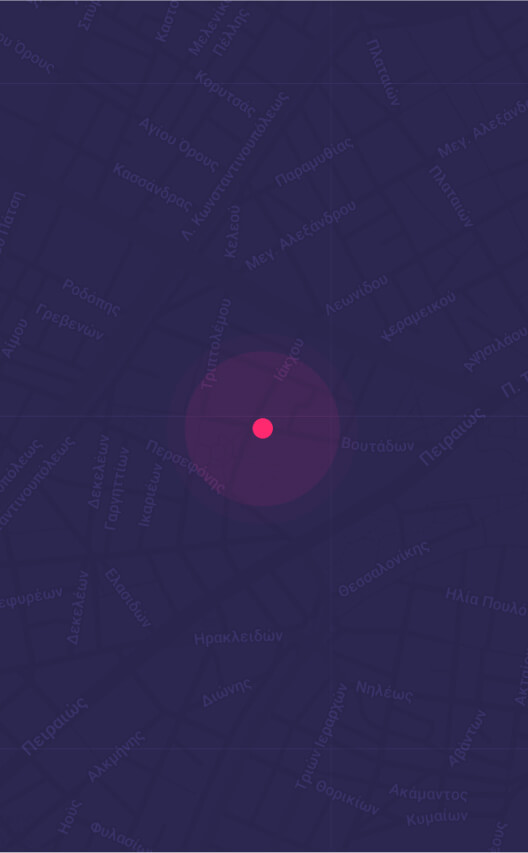
Our offices in Athens, Greece:
Voutadon 28, Athina 118 54